







Description
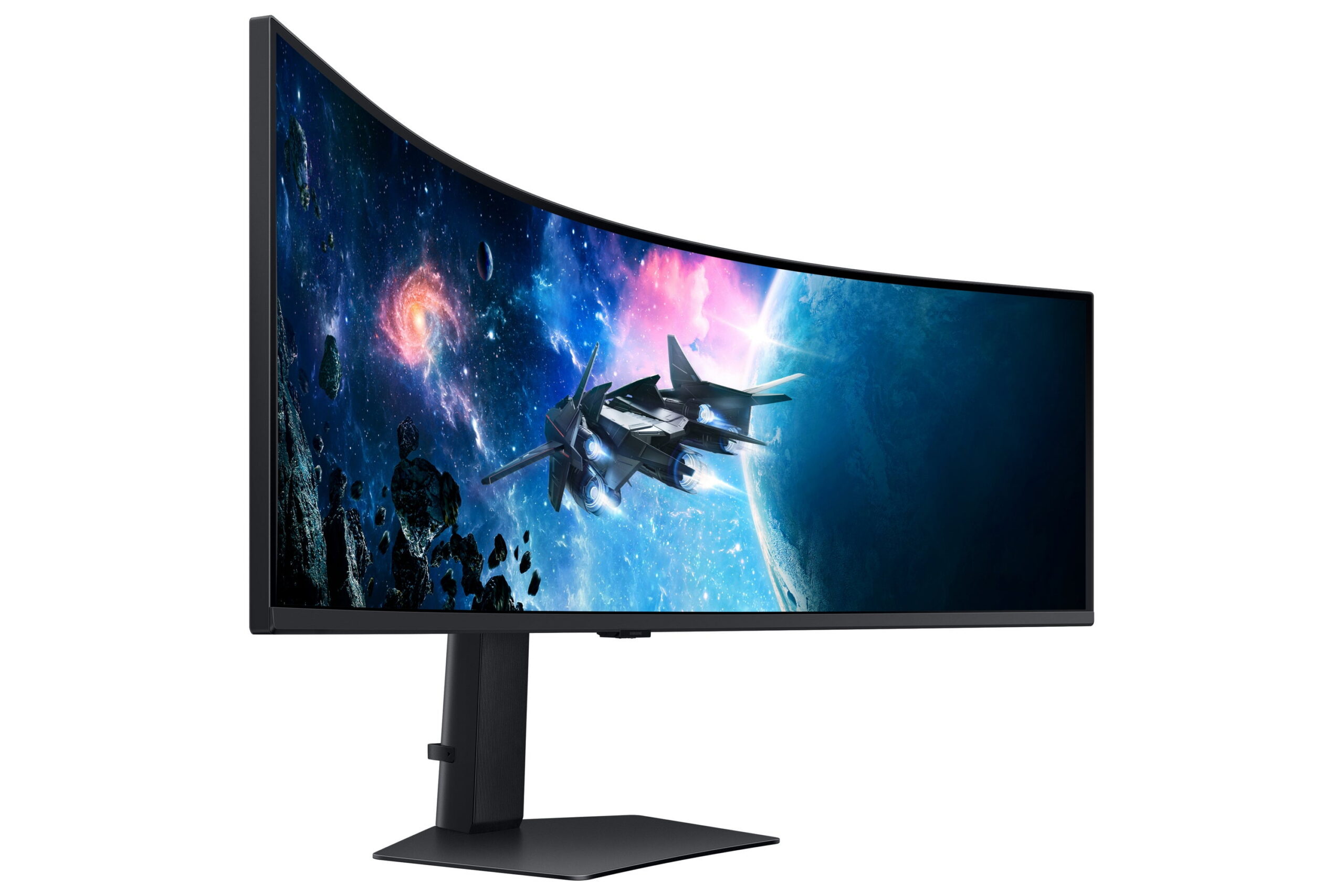
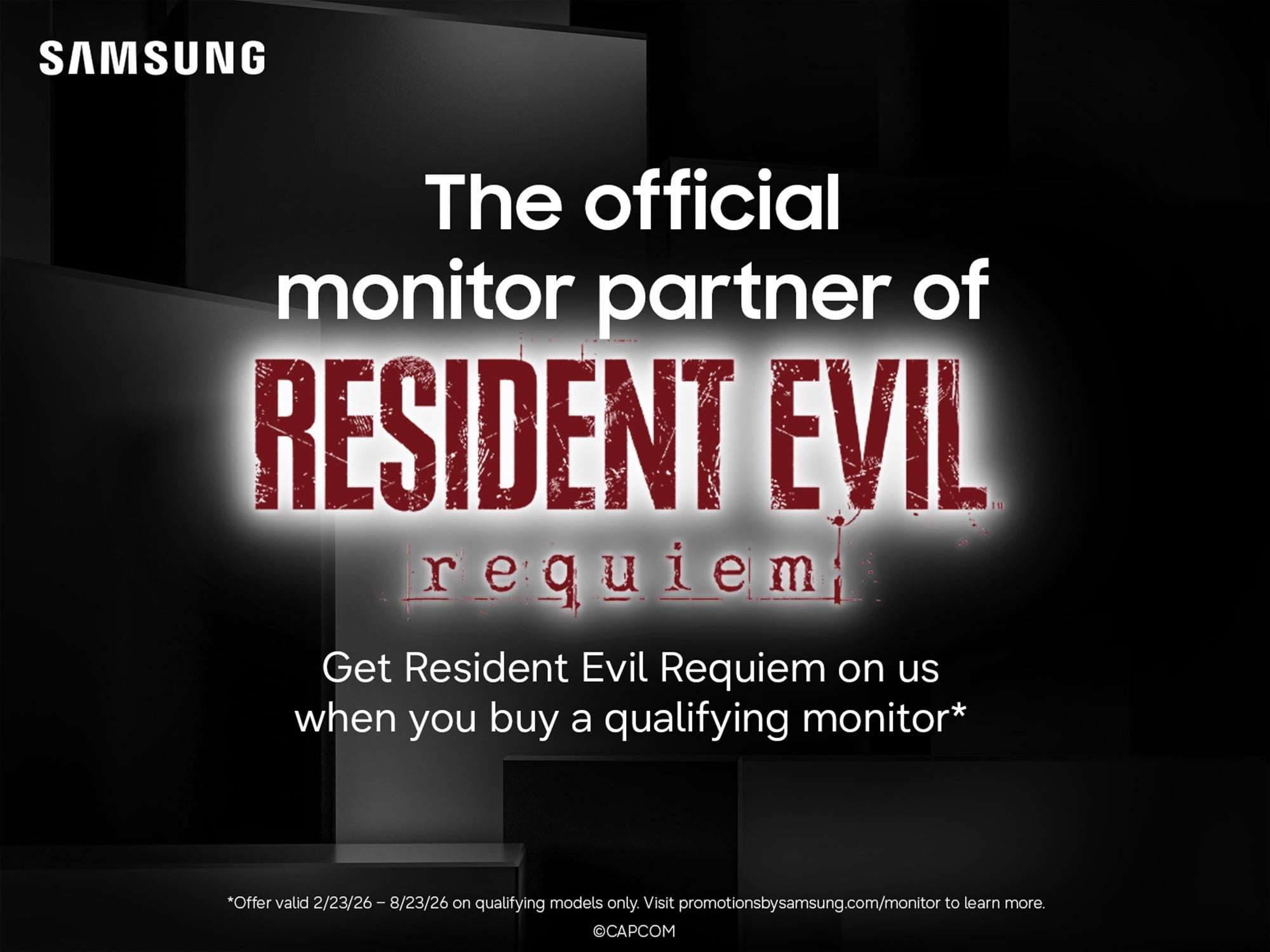
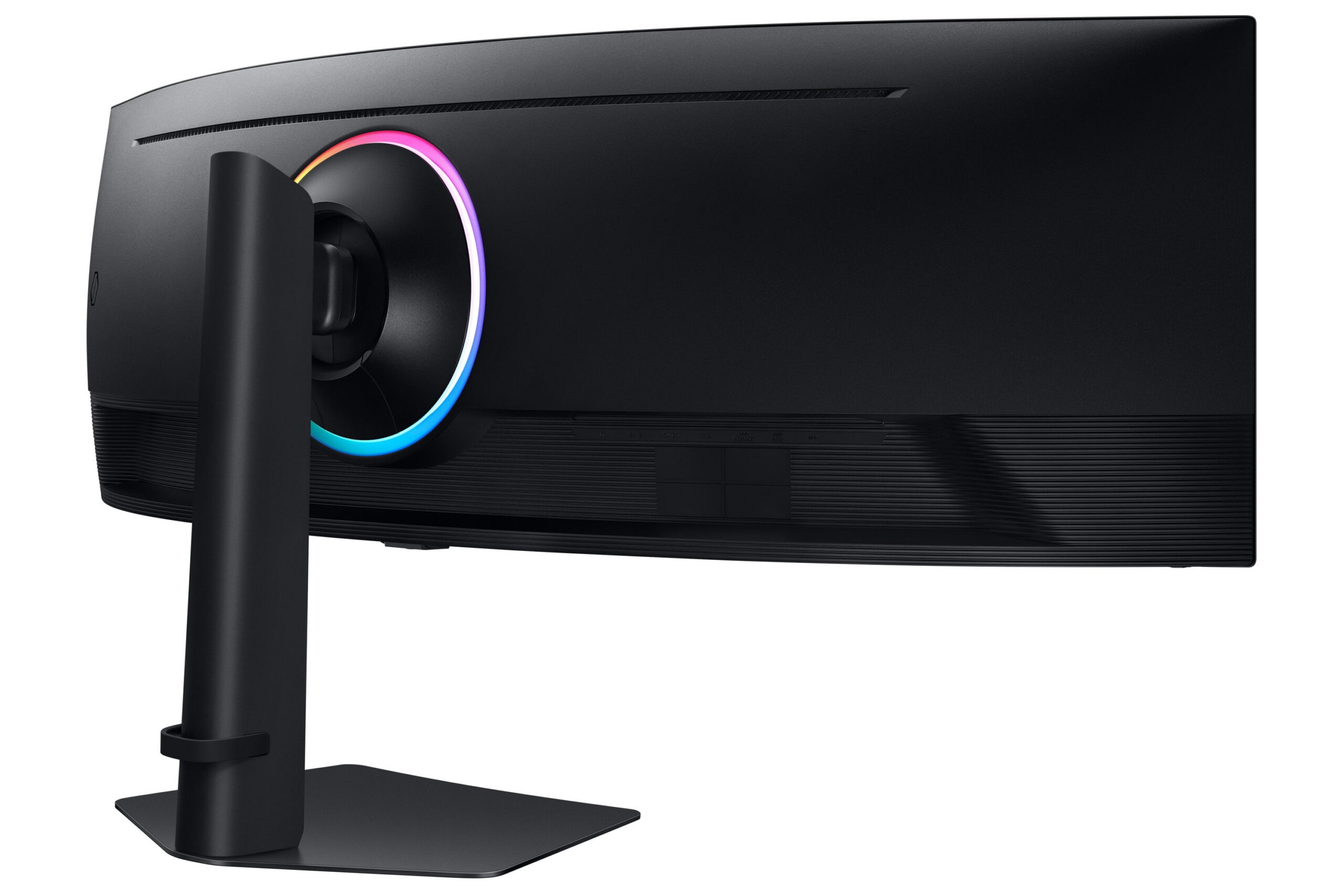
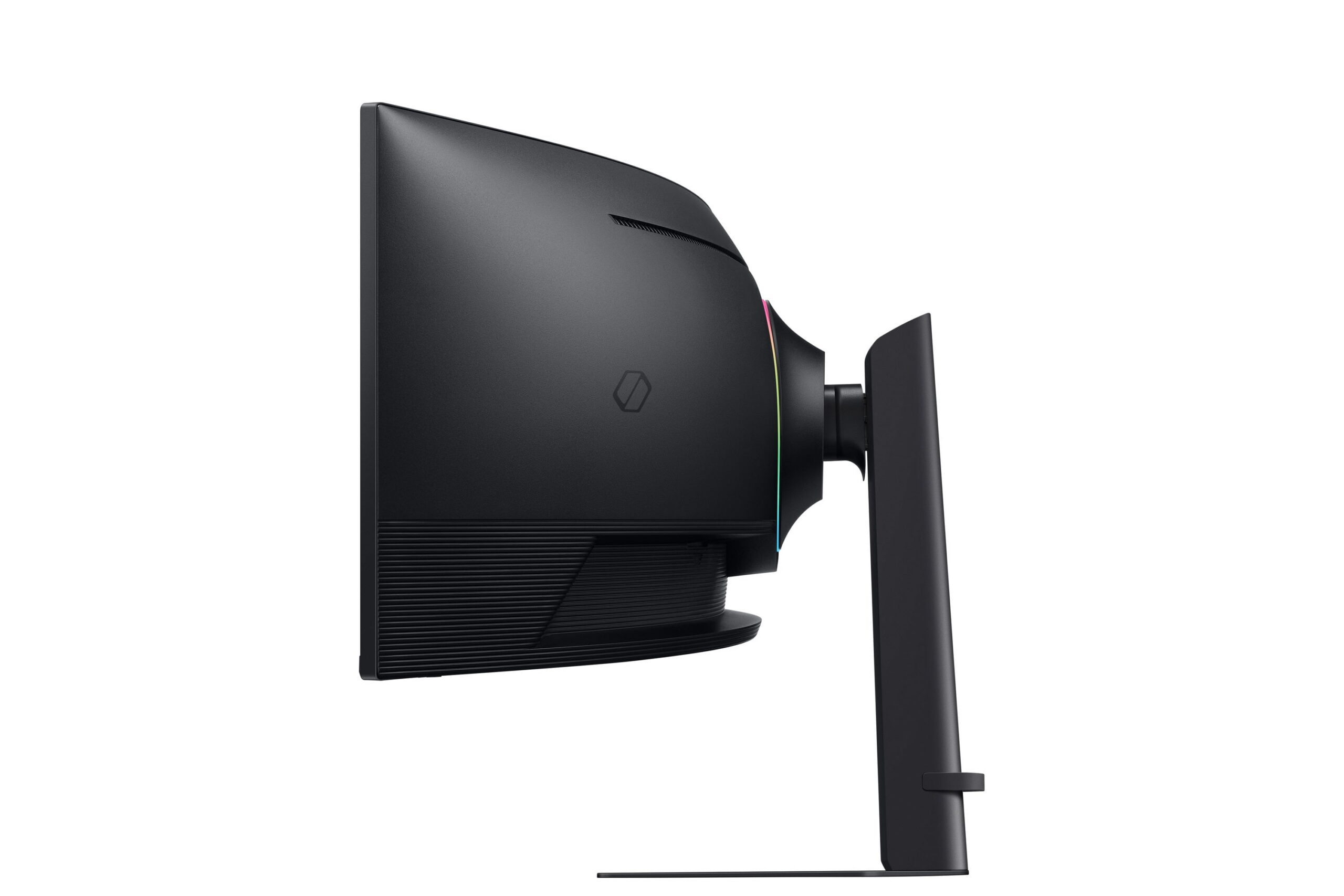
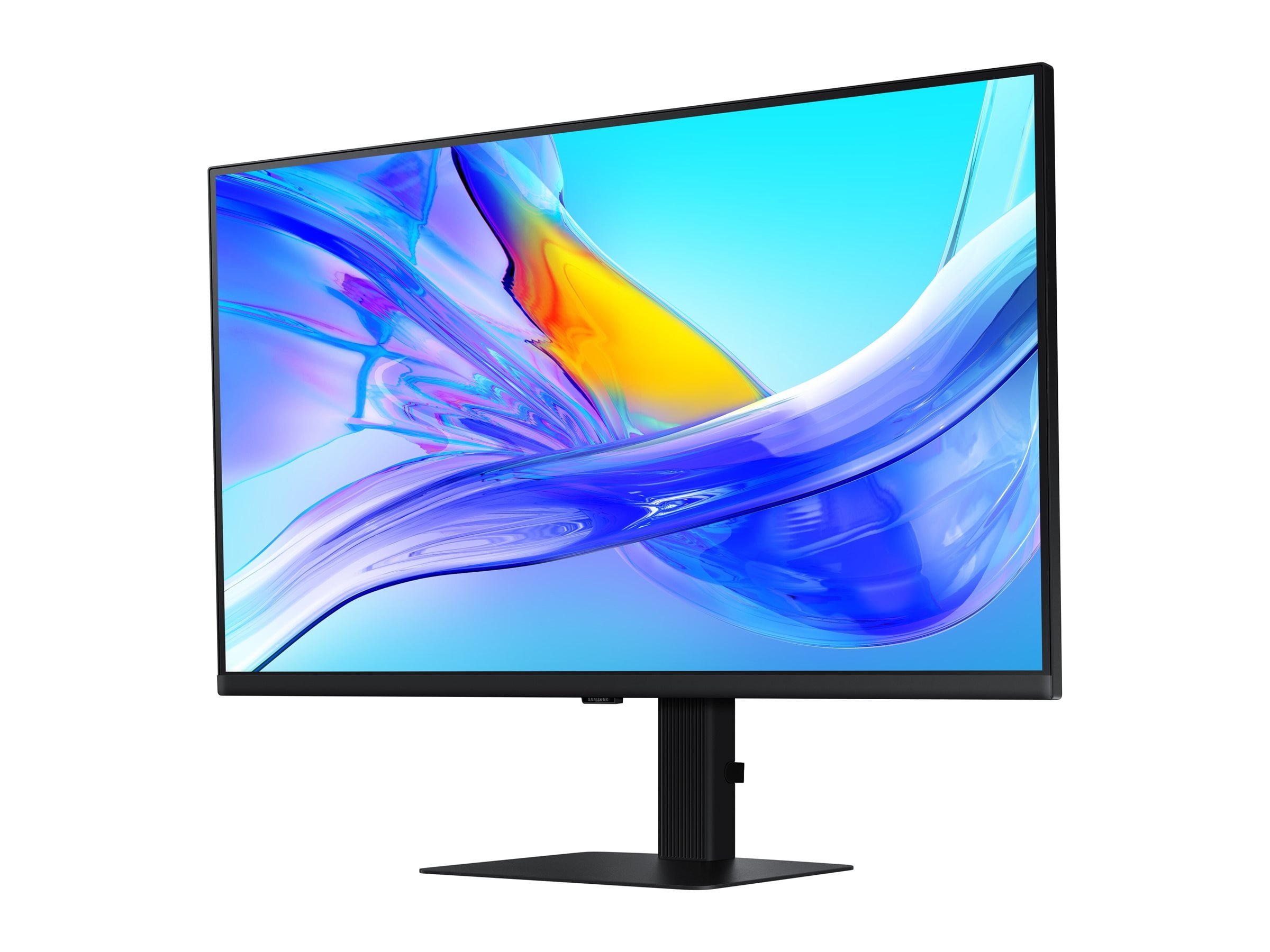
Experience immersive epic play with the G95C Odyssey Monitor, featuring a 49″ screen with 1000R curve and Dual QHD resolution for full peripheral vision with maximum detail. 240Hz refresh rate, 1ms(GtG)* and AMD FreeSync(TM) Premium Pro give you a competitive edge with hyper-fast action. VESA DisplayHDR 1000 brings nit peak brightness and 1,000,000:1 contrast ratio for intensified color and depth. CoreSync and CoreLighting+ enhance the space around your screen with amazing color. Ergonomic stand enables you to swivel, tilt, and adjust height to find your winning position. Picture-by-Picture and Picture-in-Picture offer versatility, while AutoSource Switch+ gets you to your gaming action faster. Adaptive Picture and Eye Saver Mode minimizes eye strain, day or night. *”1ms” means one millisecond which is the range of average response time between 1.00ms to 1.99ms truncated to a whole number. Based on GtG measured under internal test conditions. Results may vary by content and monitor settings (requires ‘Extreme mode’setting). GtG (Gray to Gray) measures the time taken for a monitor pixel to change from one gray value to another. Purchase this model and qualify to receive a FREE game code of Resident Evil Requiem. Offer valid 2/23/26 – 8/23/26. Visit promotionsbysamsung.com/monitor to learn more. Code Redemption Instructions: This promotion requires you to have completed a rebate with Samsung before you attempt to receive and redeem your game code. To receive and redeem your game code please follow the steps below: Step 1: visit https://www.promotionsbysamsung.com/monitor Step 2: Complete the claim form in its entirety Step 3: Upload the purchase receipt Step 4: Our team will validate your purchase and email your FREE game code. Delivery takes 2-4 weeks. The Samsung Coupon Code can be redeemed starting 2026-02-27 through 2026-12-31 11:59:59 PM (PST) to obtain Application downloads after which the Samsung Coupon Code is void. How to register a CD Key to activate a product on Steam: Please follow these instructions to activate a new retail purchase on Steam: Step 1: Launch the Steam client software and log into your Steam account. Step 2: Click the “Games” menu option at the top of the Steam client. Step 3: Choose “Activate a Product on Steam…” Step 4: Follow the on-screen instructions to complete the process.




Reviews
There are no reviews yet.