











Description
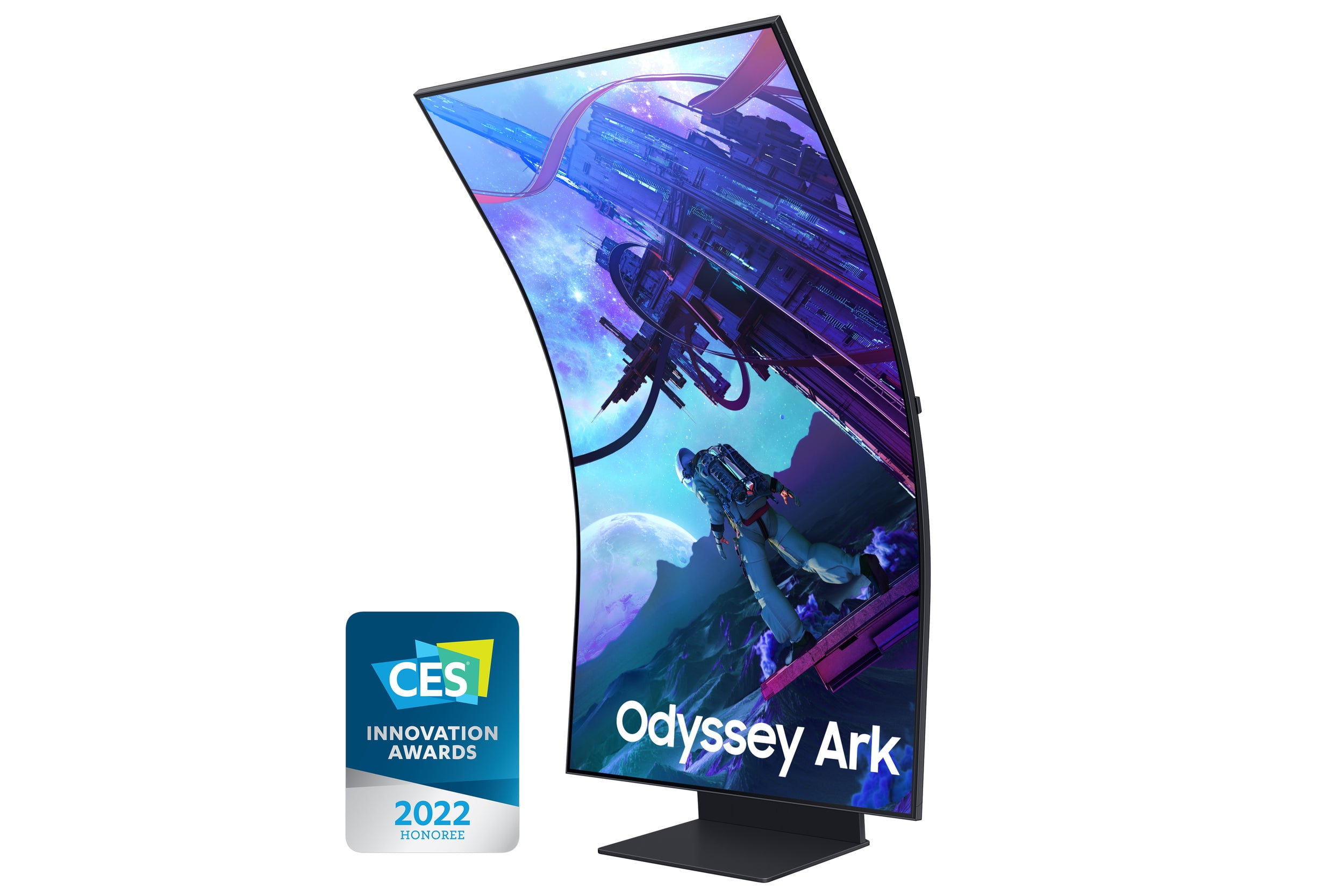
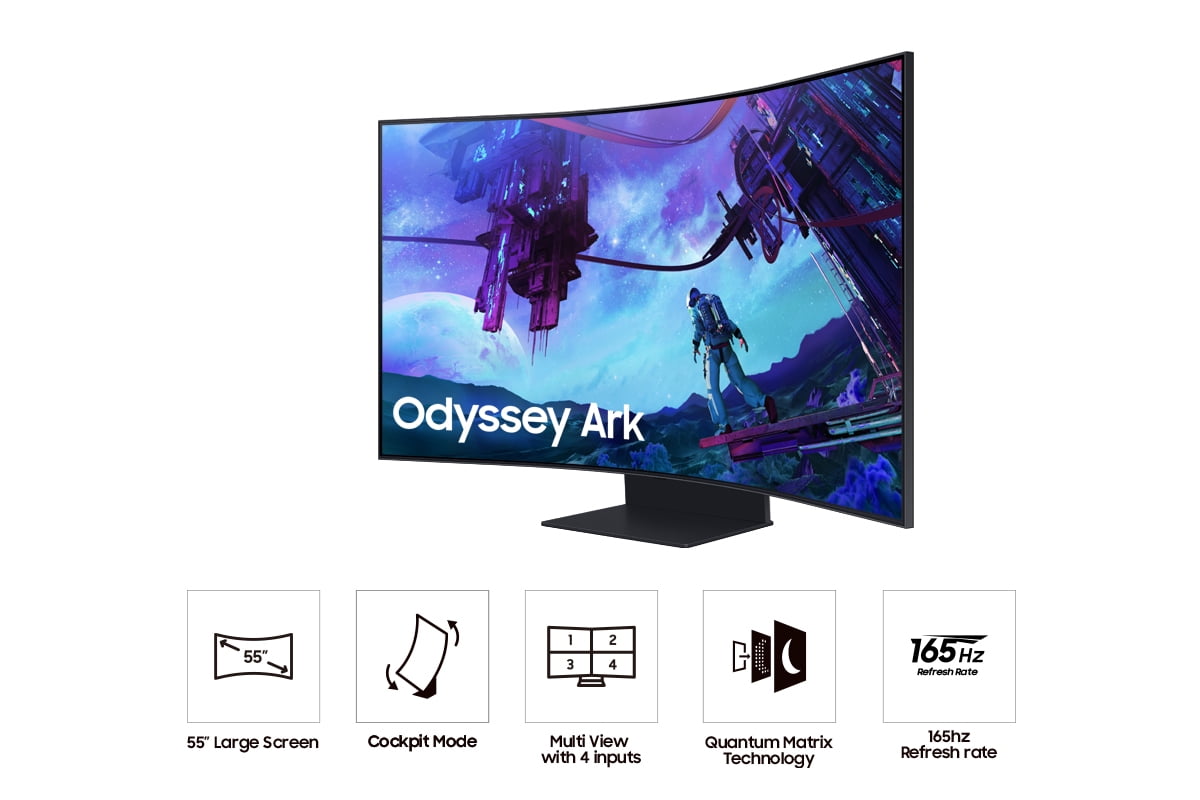
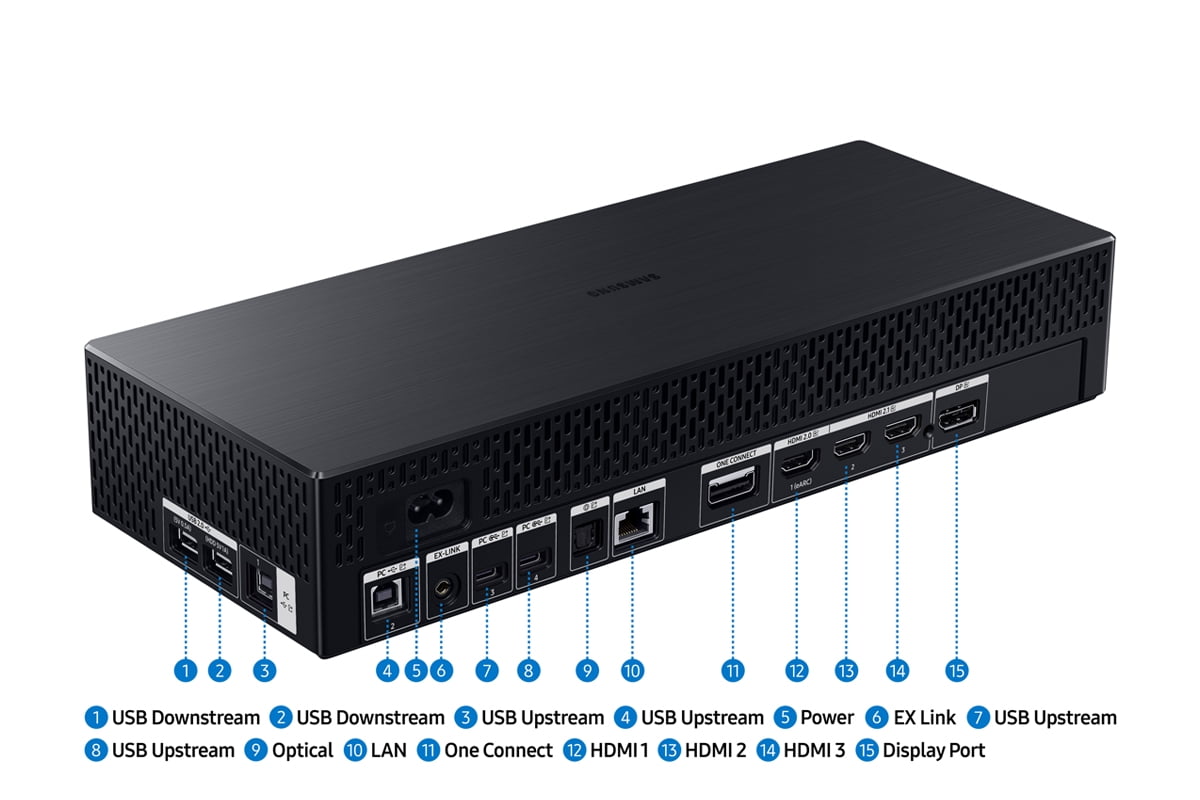
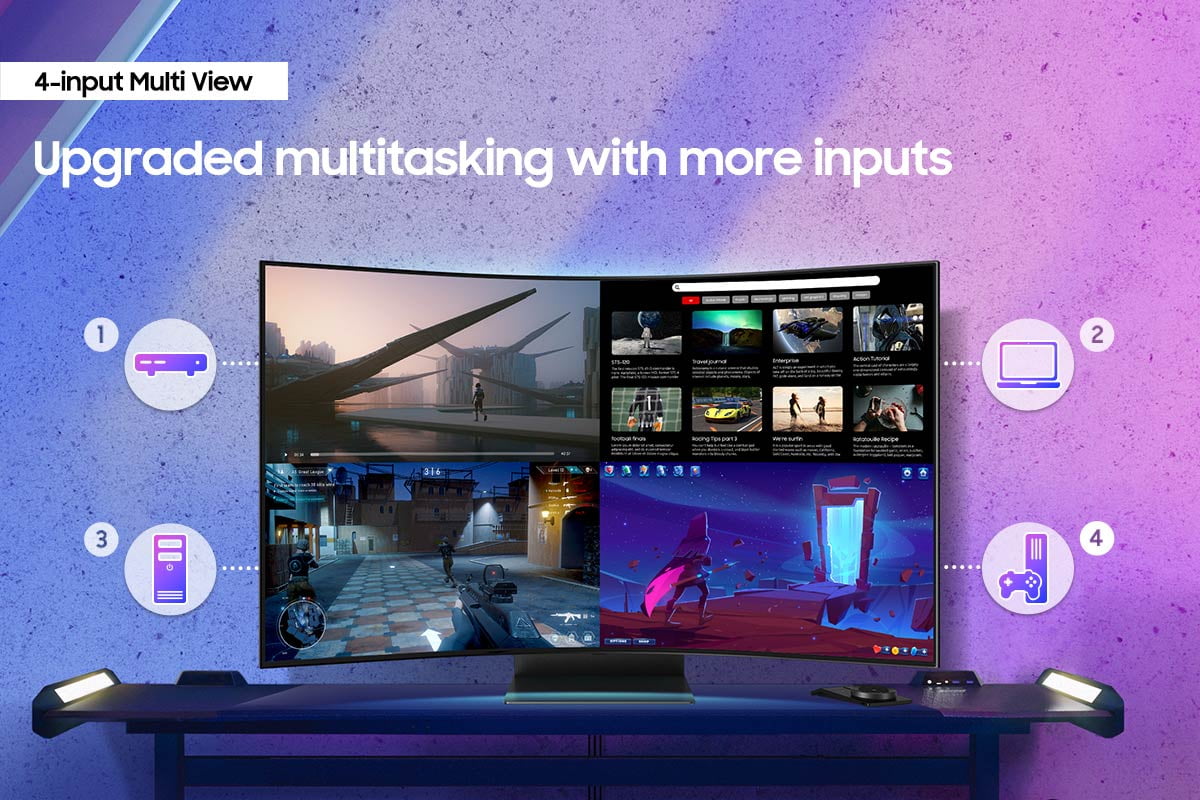
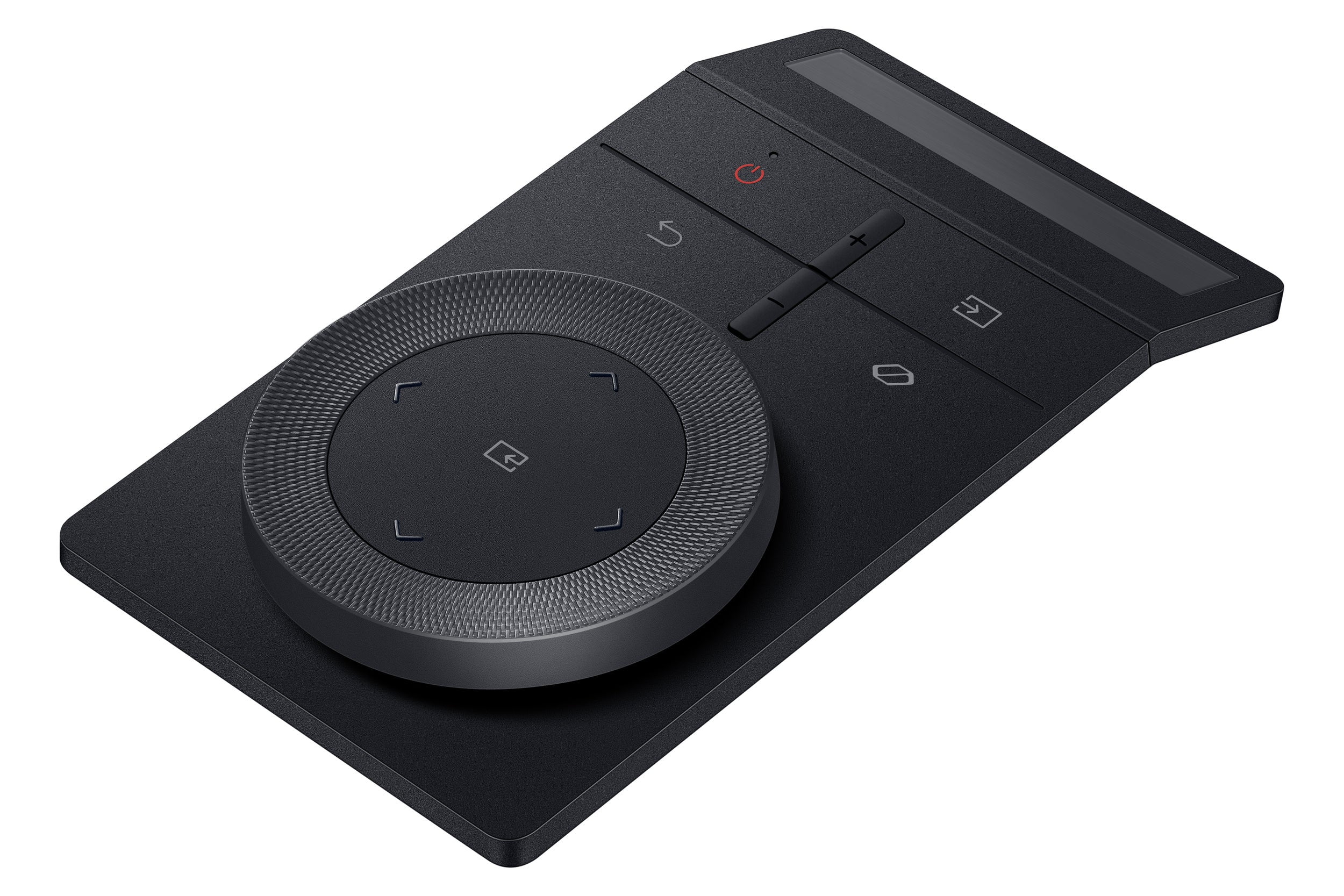
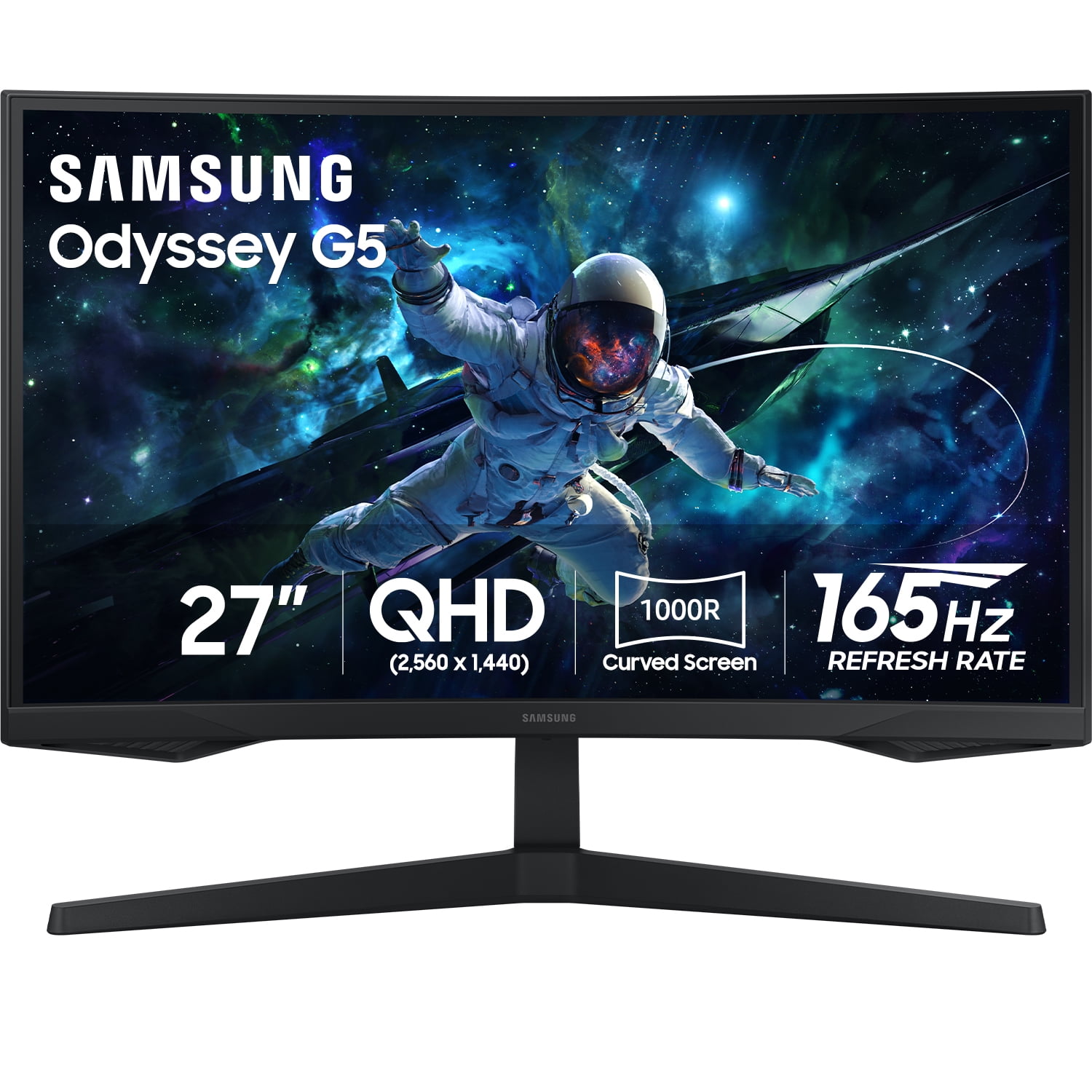
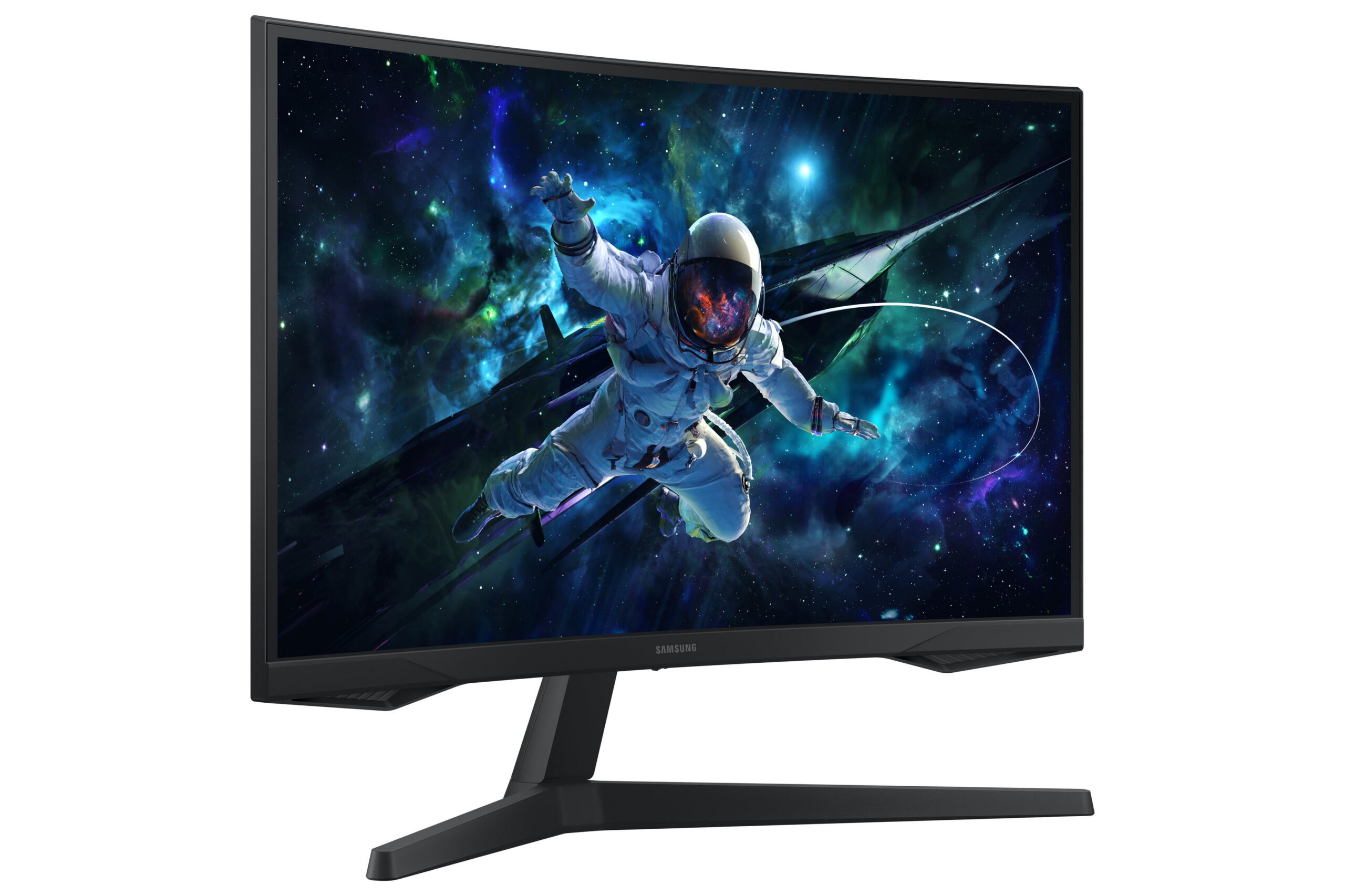
Elevate your game with Samsung’s Odyssey Ark 2nd Gen. with enhanced Multi-View, now with up to 4 inputs at once, including an all-new Display Port 1.4 connection. The 55″ rotating screen with 1000R curvature enables maximum immersion, featuring 4K UHD resolution with 165Hz and 1ms(GtG)* response time for hyper-fast action. With added KVM Switch you have full control of your command center with a single mouse and keyboard. Cockpit Mode and Eclipse Lighting optimizes screen environment and Sound Dome Technology provides an engulfing soundscape. Gaming Hub and Smart TV apps allow instant access to top streaming services. The solar-powered Ark Dial controls all functions including Flex Move Screen, Quick Settings, and Game Bar. Featuring Quantum Matrix Technology, Neural Quantum Processor Ultra, AMD FreeSync(TM) Premium Pro and HDR 10+ Gaming for a competitive edge. *”1ms” means one milliseconds which is the range of avg. response time between 1.00ms to 1.99ms truncated to whole number. Based on GtG measured under internal test conditions. Results may vary by content and monitor settings (requires ‘Extreme mode’ setting). GtG (Gray to Gray) measures the time taken for a monitor pixel to change from one gray value to another. Purchase this model and qualify to receive a FREE game code of Resident Evil Requiem. Offer valid 2/23/26 – 8/23/26. Visit promotionsbysamsung.com/monitor to learn more. Code Redemption Instructions: This promotion requires you to have completed a rebate with Samsung before you attempt to receive and redeem your game code. To receive and redeem your game code please follow the steps below: Step 1: visit https://www.promotionsbysamsung.com/monitor Step 2: Complete the claim form in its entirety Step 3: Upload the purchase receipt Step 4: Our team will validate your purchase and email your FREE game code. Delivery takes 2-4 weeks. The Samsung Coupon Code can be redeemed starting 2026-02-27 through 2026-12-31 11:59:59 PM (PST) to obtain Application downloads after which the Samsung Coupon Code is void. How to register a CD Key to activate a product on Steam: Please follow these instructions to activate a new retail purchase on Steam: Step 1: Launch the Steam client software and log into your Steam account. Step 2: Click the “Games” menu option at the top of the Steam client. Step 3: Choose “Activate a Product on Steam…” Step 4: Follow the on-screen instructions to complete the process.







Reviews
There are no reviews yet.